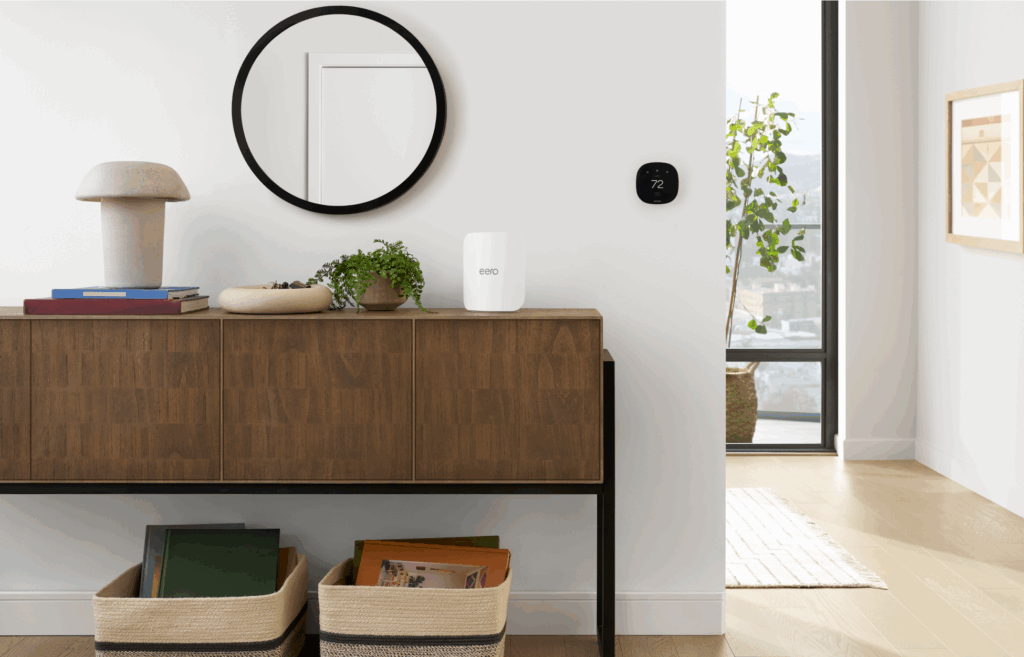
- Wifi can pass through some walls, but every wall reduces the signal slightly. How much passes depends on the material, thickness, and what’s inside the wall.
- Traditional single-point routers often struggle with distance, walls, and interference, leading to dead zones, buffering, and slow speeds—even when you upgrade the router itself.
- Traditional wifi repeaters can extend range, but often repeat a weaker signal.
- Mesh wifi uses multiple connection points (nodes) to blanket your home in more even, reliable coverage and automatically routes your devices to the strongest signal.
- eero mesh systems now offer Wi-Fi 7 options like eero 7, eero Pro 7, and eero Max 7, so you can match your setup to your home size, speed needs, and budget.
- By choosing the right mesh system and placement for your space, you can overcome wall interference and enjoy fast, stable wifi in every room.
How to boost wifi signals through walls with mesh wifi

You’re ready to unwind with your favorite show, but just as it starts, the buffering wheel appears. You glance at your device—one bar of wifi.
So, does wifi go through walls? Yes, but with limits. Most interior materials (like drywall and wood) usually let wifi pass through fairly well. Still, every wall absorbs or reflects some of the signal, and the amount of slowdown depends on the material, thickness, and what’s inside the wall.
Metal and water tend to cause the biggest drops in signal. Metal can reflect wifi, and water absorbs it—so things like metal studs, appliances, mirrors, aquariums, and even people can affect performance. Dense building materials like brick, concrete, stone, and plaster can also weaken wifi, especially when walls are thick or when the signal has to cross multiple rooms.
This is where many traditional routers struggle. A single router has to push its signal through every wall in your home, which can result in weaker coverage the farther you get from it. Mesh wifi works differently. Instead of relying on one router to broadcast everywhere, a mesh system uses multiple interconnected access points placed throughout your home. Each one delivers a strong signal nearby, helping your network maintain fast, reliable coverage—even in rooms separated by thick walls.
In this article, we’ll break down when wifi can pass through walls, when it can’t, why traditional routers fall short, and how eero mesh wifi helps deliver a strong, consistent connection in every room.
Why do walls block wifi signals?
Wifi performance often drops when you move from one room to another because physical objects interfere with how wireless signals travel. Walls, furniture, and large appliances can reflect (bounce), scatter, or partially block wifi signals, so less of the signal reaches your device, or it arrives in a less direct, less reliable way.
Wifi behaves much like a ripple spreading across water. As the signal travels farther from its source, it naturally loses strength. That loss becomes more noticeable when obstacles stand in the way. Understanding how these barriers affect your signal helps explain why some rooms have stronger connections than others.
The science behind wifi signals
Wifi signals are radio waves, like those used for TV and radio, but they operate on a much higher frequency. These high-frequency waves carry more data but are also more fragile as they experience greater path loss and are more susceptible to absorption by materials. The thicker and denser an obstacle is, the harder it is for the signal to pass through, resulting in dead zones and lagging connections.
But not all obstacles are created equal.
Some building materials can weaken wireless signals as they pass through, while everyday electronics may introduce interference that impacts performance. In some cases, signals can be reflected or scattered, which may reduce consistency as you move through your home.
Which types of walls block wifi the most?

Not all walls impact wifi the same way. In fact, some walls may barely interfere with your signal, while others can bring your wifi to a grinding halt. Here’s how some materials may disrupt your connection:
- Brick, concrete, and stone – Dense materials like brick, concrete, and stone can significantly reduce wifi signal strength as signals pass through them. The thicker and more reinforced the surface, the more noticeable the impact can be.
- Metal and reinforced walls – Metal surfaces like refrigerators, mirrors, and reinforced walls don’t just weaken signals—they reflect them, bouncing signals unpredictably. This redirection makes your connection spotty and unreliable, creating dead zones.
- Drywall and wood – Lighter materials such as drywall and wood typically have a smaller effect on wifi performance, though multiple walls or long distances can still reduce signal strength and can slow your connection.
Ultimately, the materials in your walls dictate whether your wifi flows freely or fades fast. So, if you have thick or reflective walls, a traditional router won’t stand a chance.
Why traditional routers struggle with wifi coverage

Most homes still rely on single-point routers, which broadcast signals from one fixed location. But the farther you move from the router, the weaker the signal is—especially when walls, floors, and large furniture affect the wifi signal.
Here’s why single routers often fall short:
- Limited range – Traditional routers only stretch so far before their signal drops off. Move too far, and your connection weakens—or vanishes completely.
- Weak signal through walls – Every obstacle between your device and the router slows things down. Thick materials like concrete and brick absorb signals, making some rooms impossible to reach.
- Overloaded connection – When multiple devices fight for bandwidth, as with streaming, gaming, and video conference calls, a single router may struggle to keep up, leading to buffering, lag, and dropped connections.
- Repeaters don’t always help – Traditional wifi repeaters (or wifi extenders) don’t create a stronger connection. Instead, they simply stretch a weak signal, which often results in lag, dead spots, and frustration.
No matter how powerful it is, a single router has its limits—it can’t reach every corner of your house or consistently push signals through walls. Fortunately, there’s a way to resolve these issues and achieve seamless coverage, even in complex layouts: mesh wifi.
So, what makes mesh wifi different from a traditional router, and how does it actually work? Let’s break it down.
How mesh wifi solves weak signals through walls

Unlike traditional routers that struggle with walls, distance, and interference, mesh wifi creates a web-like structure, or mesh, of multiple devices called nodes. Mesh nodes wirelessly connect to each other and then send wifi signals to each other, working together to work around physical obstacles and span distances.
How mesh wifi helps maintain reliable coverage around walls
The layout of your home can disrupt wifi, making streaming, gaming, or even basic browsing a frustrating experience. But mesh wifi delivers reliable coverage to every corner through:
- Even distribution – Unlike a single router that struggles to push a signal through thick walls, mesh wifi uses multiple connection points to deliver even, reliable coverage throughout your home.
- Intelligent routing – Mesh wifi works behind the scenes, automatically connecting your device to the nearest, strongest node for the best possible signal.
- Advanced frequency management – eero mesh wifi intelligently balances network traffic across dual-band and tri-band channels, reducing congestion and keeping speeds fast, even when the whole family is online.
Key benefits of using mesh wifi
When it comes to getting fast, reliable wifi in every corner of your home, eero mesh wifi delivers where traditional setups fail. With mesh wifi, you get next-level coverage, speed, and reliability:
- No more weak spots – Dead zones? No problem. With multiple connection points, every inch of your home gets solid, stable wifi.
- Seamless connectivity – Your device automatically connects to the strongest, fastest node, so lag or dropouts are significantly reduced.
- Built for multiple devices – Smart home gadgets, gaming consoles, and work setups all demand bandwidth. Mesh wifi balances the load so everyone stays connected without slowdowns.
- Expandable coverage – Need more range? Just add another node. Whether you’re in a large home or expanding to new spaces, mesh wifi easily scales up the size of your network.
With eero mesh wifi, your network is designed to adapt as your needs change, delivering fast, flexible connectivity throughout your home. Proper setup plays an important role in how well your network performs, especially when signals need to travel through walls and across multiple rooms.
Setting up a mesh wifi system for maximum performance
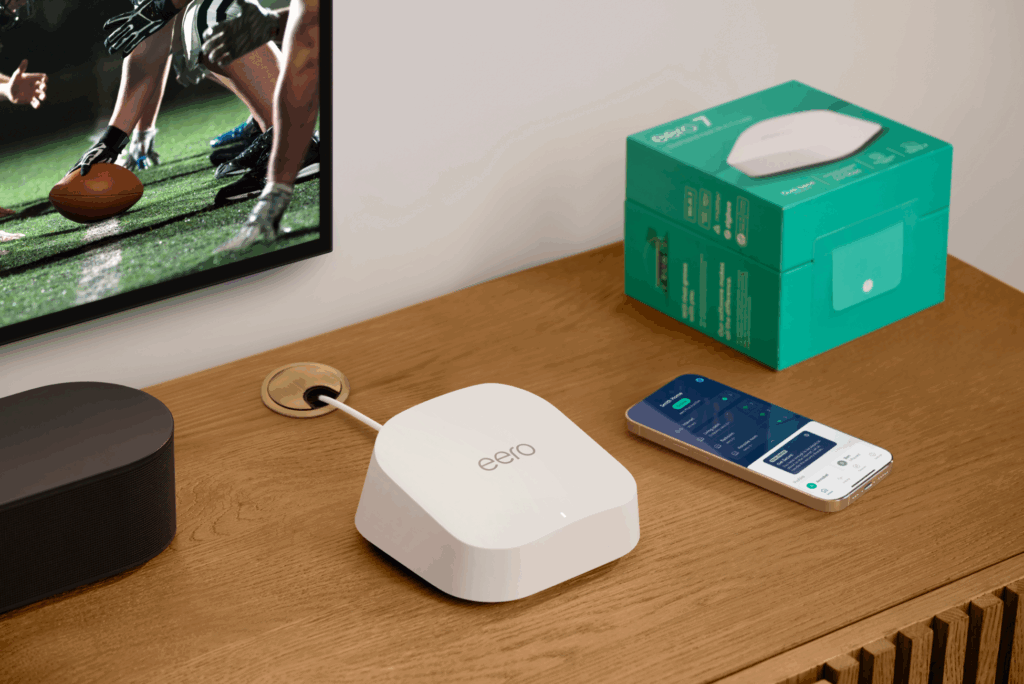
Getting the most out of a mesh wifi system starts with thoughtful setup and placement. While mesh systems are built to improve coverage, performance depends on how and where each access point is positioned.
Placing nodes too far apart or too close together can affect their communication efficiency. Proper placement helps reduce interference from dense materials like concrete, brick, and metal, supporting stronger connections throughout your space.
Choosing the right mesh wifi system
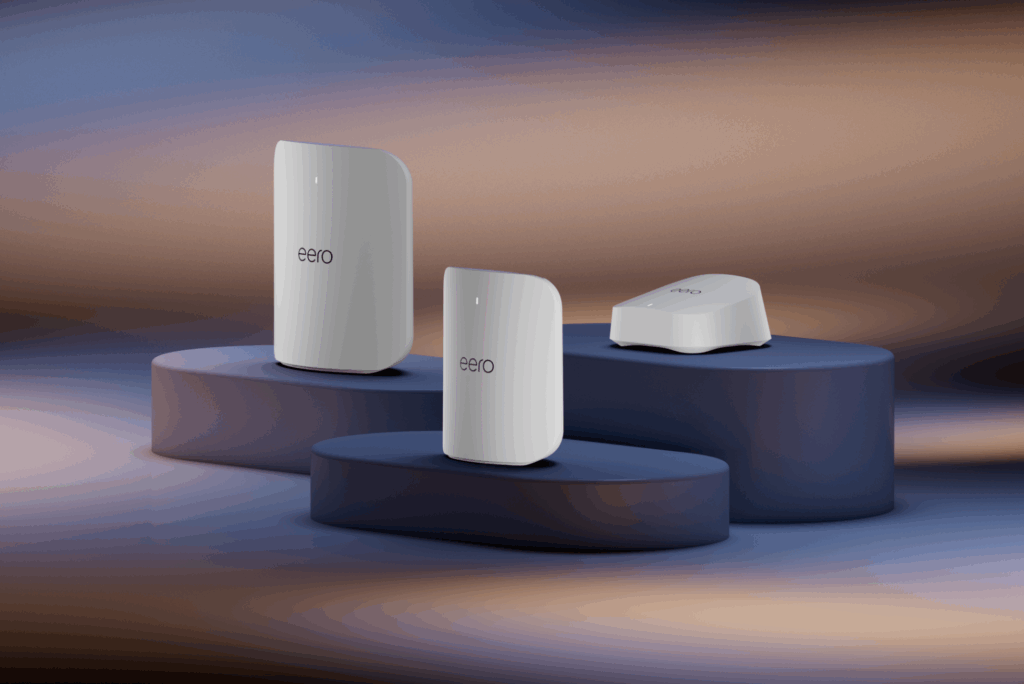
Not all mesh wifi systems are built the same, and picking the right one for your home can make all the difference. But how do you know which system is the best choice for your space?
Here are a few things to look for when choosing your mesh wifi setup:
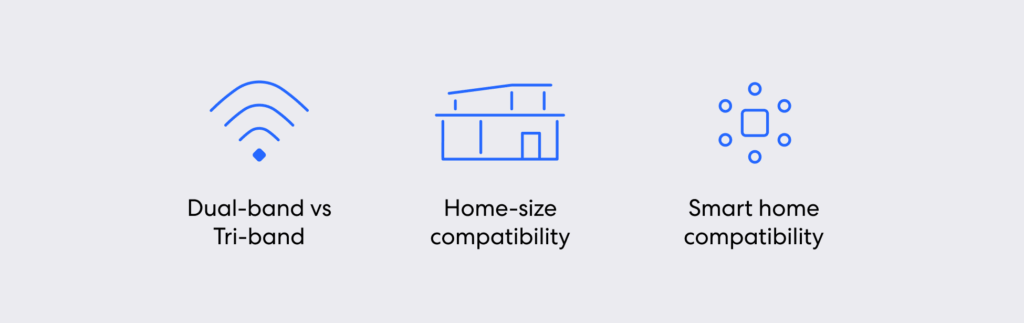
- Dual-band vs. tri-band – If you live in a busy household with multiple devices connected at once, a tri-band system can provide smooth, uninterrupted performance. The extra frequency band helps balance traffic, preventing congestion and keeping speeds fast even during peak usage.
- Home-size compatibility – A small apartment may only need a one- or two-node setup, while a multistory house will benefit from a three-node system or more to ensure complete coverage across floors.
- Smart home compatibility – If your home is packed with smart devices—voice assistants, security cameras, thermostats—choose a mesh wifi system that’s optimized for IoT (internet of things) devices to prevent interference and lag.
If you’re already using a router you’re happy with, you don’t necessarily need to start from scratch. In some cases, you can add mesh to your existing router to extend coverage and improve performance without replacing your entire setup.
By taking your home’s size, layout, and coverage needs into account, you can ensure you choose the mesh wifi system that delivers the best results.
Wired vs. wireless mesh connections
There are two ways to connect your mesh wifi nodes—wireless or wired. Here’s what you need to know about each:
- Wireless mesh – Easy to set up, wireless mesh requires placing the nodes, plugging them in, and letting them create a seamless network. It’s an ideal option for those looking to avoid cables.
- Wired (Ethernet backhaul mesh wifi) – If you need the fastest, most stable performance, connecting your mesh nodes with Ethernet cables eliminates interference and keeps speeds rock solid, creating the perfect setup for gaming, streaming in 4K, or working from home.
By selecting the right system and setup, you’ll get a powerful, future-ready network that matches your needs, no matter how many devices or walls stand in the way.
Upgrade to eero mesh wifi for seamless coverage
Wifi performance through walls depends on the materials in your home. While thick concrete and metal walls can block signals, eero mesh wifi solves this by creating a network of nodes that intelligently route your connection, helping to eliminate weak spots.
With the Wi-Fi 7 lineup—including eero 7, eero Pro 7, and eero Max 7—you can choose a system that fits your space, speed requirements, and number of connected devices. Whether you’re covering a midsized home or a larger, multistory layout, these systems are built to support faster speeds, lower latency, and more consistent performance throughout your home.
Upgrading to eero mesh wifi helps support reliable connectivity across rooms and floors, making it easier to stay connected as your network needs grow.
Sources:
EMACS. WiFi Signal Strength Degradation Over Different Building Materials.
Journal of Computer and Communications. Experimental Assessment of the Effects of
Building Materials on Wi-Fi.
Ad Hoc Networks. Optimal channel selection for tri-band Wi-Fi in a residential scenario.
Introduction to Wireless Communications and Networks. Backhaul Network.

You must be logged in to post a comment.